One shared builder
Installers, DSM and package templates enter the same traceable workflow.
- Source
- Metadata
- Analysis
- Export
PilotDeploy combines local processing with a clear review path and stable PSADT output.
One continuous run with example data. Not an installation test, but the actual builder flow.
Select an EXE, MSI, package folder or DSM package. The file stays in the browser and is not uploaded.
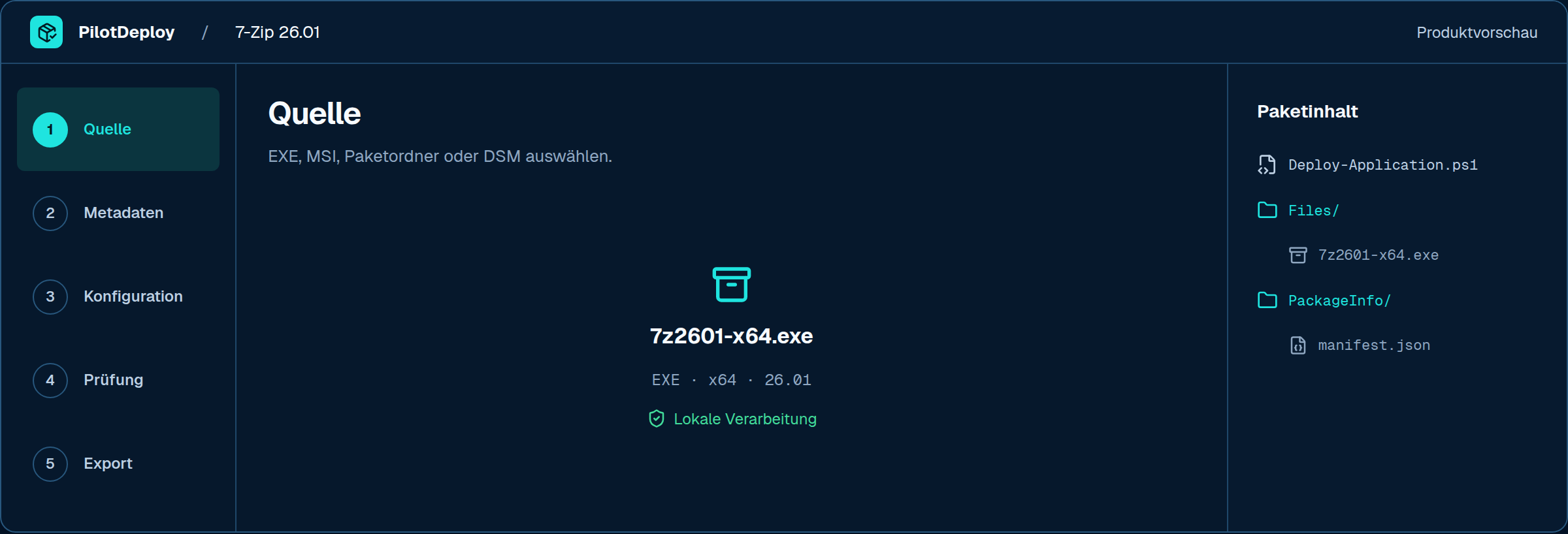
Review vendor, application and version. Unclear values stay visible and are never invented.
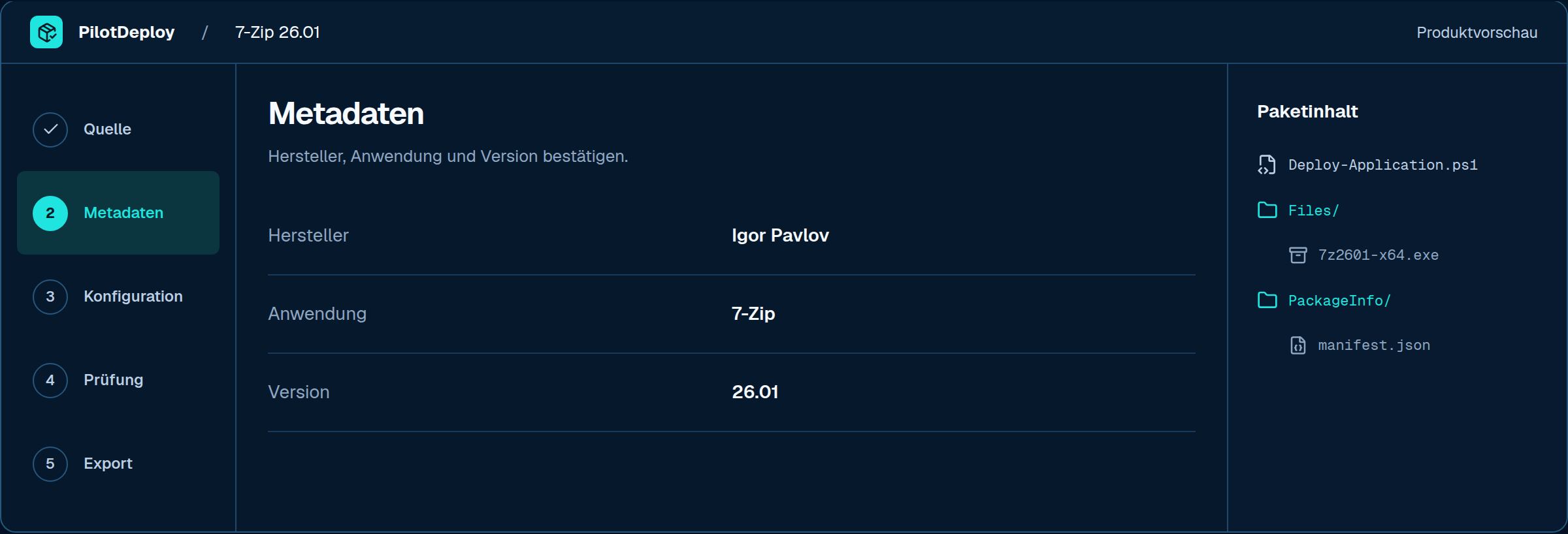
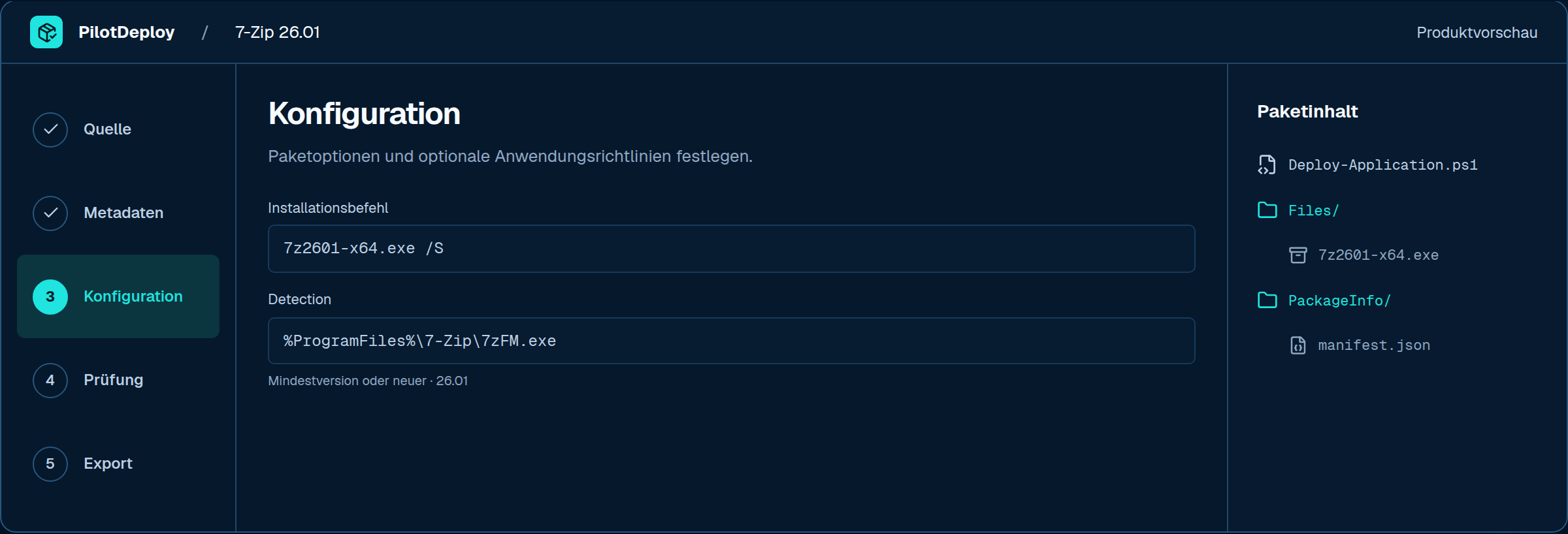
Set package options, install parameters and detection notes. Unclear values remain visible as review items.
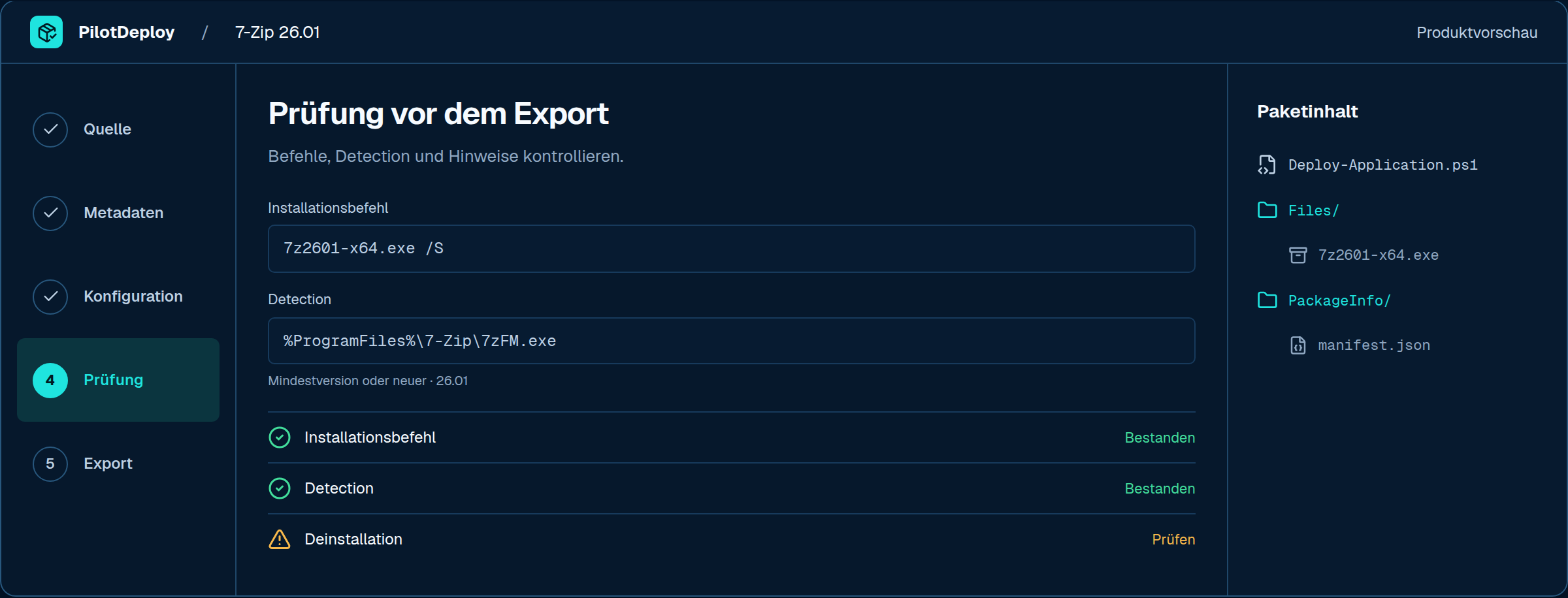
Inspect the install command, detection and uninstall before the package is built.
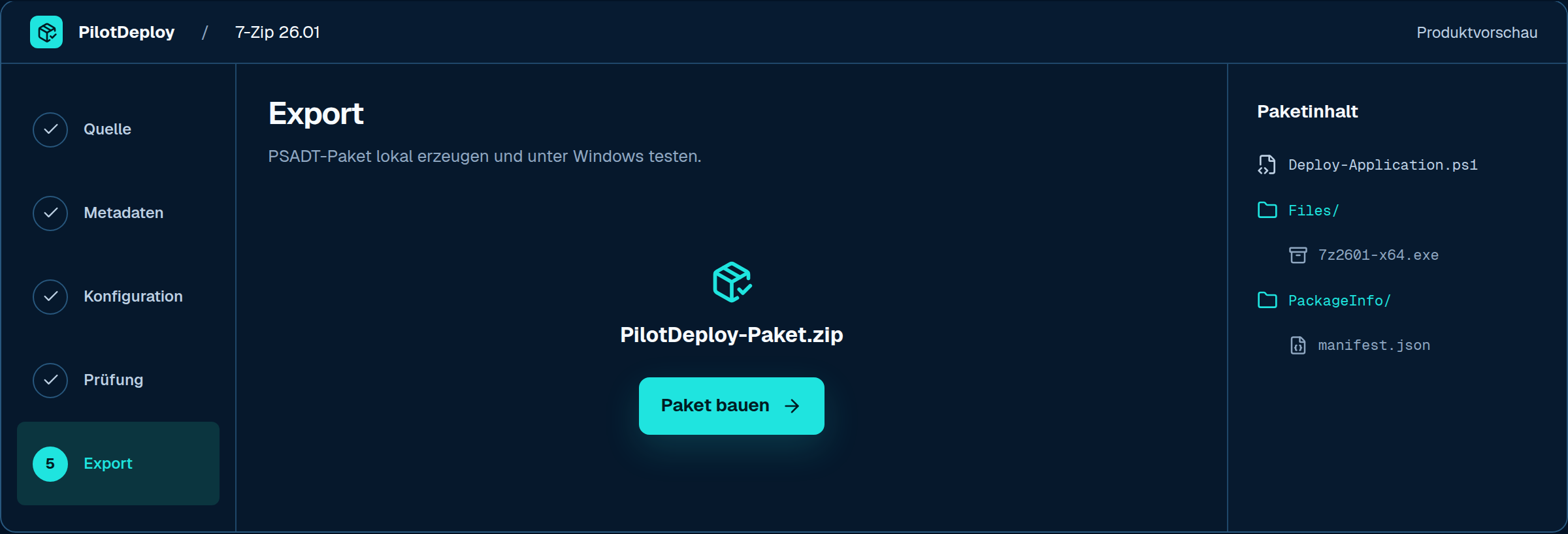
Build the PSADT ZIP with launcher, scripts, files and review report locally.
The export contains Intune/Create-IntuneWin.ps1, Intune-Commands.txt and README-IntuneWin.md, plus Detection.ps1 when detection rules are present. Microsoft's tool builds the .intunewin locally:
Intune/Create-IntuneWin.ps1 is included.IntuneWinAppUtil.exe (Win32 Content Prep Tool); it is not part of the export.Deploy-Application.intunewin locally.Intune-Commands.txt.Detection.ps1 as the detection script when present.Installers, DSM and package templates enter the same traceable workflow.
Parsing, mapping and package generation stay reproducible. AI suggestions remain optional.
Deploy-Application.exe, Deploy-Application.ps1, Files, PackageInfo and optional Intune helpers follow a fixed structure.
Work state is stored in the browser. Generated ZIPs can also be stored encrypted in the personal package catalog.
Silent parameters, detection, uninstall, return codes and manual tests remain visible in review.
Pro and Enterprise add templates, logic blocks, workspaces, API and audit.